10 Best IPTV Players for Android: Complete Guide 2025
Internet Protocol Television (IPTV) has transformed how we consume live TV and on-demand content. With an Android device and the right IPTV player, you can access thousands of channels, movies, and series from around the world. However, finding the perfect player among dozens of options can be challenging. This comprehensive guide explores the best IPTV players for Android devices in 2025, helping you make an informed choice.
What is an IPTV Player?
An IPTV player is an application that streams video content through your IPTV subscription. While some IPTV services provide native apps, many only offer subscriptions without dedicated applications. In these cases, external IPTV players become essential for accessing and streaming content.
Important Note: IPTV players themselves don’t provide channels or content. You need an active IPTV subscription that supports M3U playlists or EPG (Electronic Program Guide) to use these applications.
Top IPTV Players for Android
1. TiviMate IPTV Player
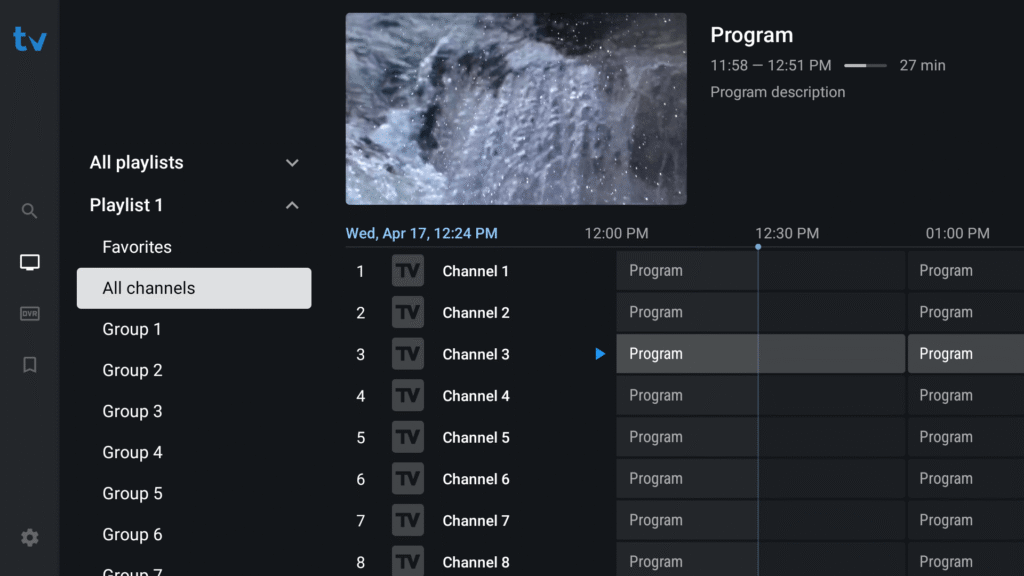
TiviMate consistently ranks as one of the most advanced IPTV players available for Android devices. Its modern interface and powerful features make it particularly popular among experienced users.
Key Features:
- Clean, intuitive interface with smooth navigation
- Multiple playlist management
- EPG (Electronic Program Guide) support
- Catch-up TV functionality
- Recording capabilities
- Multi-screen viewing options
- Advanced customization settings
Compatibility: Android smartphones, tablets, and Android TV devices
Pricing: Free version available; premium version unlocks additional features
TiviMate’s design is specifically optimized for Android TV, making it an excellent choice for users with TV boxes or streaming devices. The application handles 4K content effectively and maintains stable performance during extended viewing sessions.
2. IPTV Smarters Pro
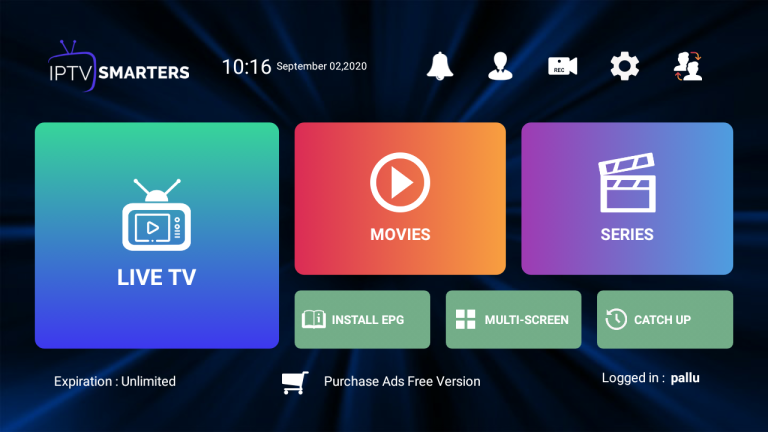
IPTV Smarters Pro has maintained its reputation as a versatile and reliable IPTV player across multiple platforms. Its straightforward approach makes it accessible to both beginners and experienced users.
Key Features:
- User-friendly interface
- Support for multiple IPTV subscriptions
- Built-in high-quality video player
- Playlist File/M3U URL and Xtream Codes API support
- Catch-up TV and recording options
- Multi-language support
- External player and Chromecast integration
Compatibility: Android smartphones, tablets, Android TV, iOS devices, and can be sideloaded on FireStick
Pricing: Free with ads; premium version removes advertisements
The application excels at organizing available channels and on-demand content in an uncluttered manner. Users can easily input their login credentials through supported systems, making setup straightforward even for newcomers to IPTV.
3. XCIPTV Player
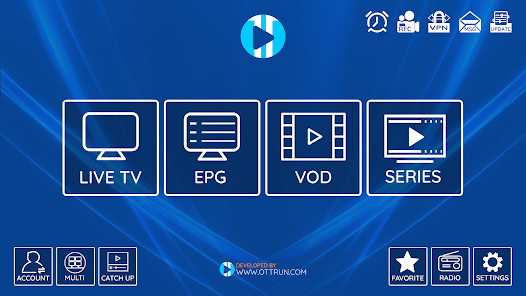
XCIPTV stands out as one of the best free IPTV players available. Its completely free nature and useful features have earned it a top spot among budget-conscious users.
Key Features:
- Completely free with no subscription required
- Easy installation process
- Integrated TV Guide
- Support for external video players (like MX Player)
- Parental controls
- Playlist management via official website
- Reduces buffering for smooth playback
Compatibility: Fire TV, Android TV, and Android devices
Pricing: Free
The player’s ability to work with external video players like MX Player significantly improves streaming performance and reduces buffering issues. Users can activate an account on the official website to manage playlists and configure advanced settings.
4. GSE Smart IPTV
GSE Smart IPTV provides a versatile platform for managing multiple IPTV subscriptions simultaneously. This functionality allows users to consolidate all their services into a single, convenient interface.
Key Features:
- Support for multiple playlists
- EPG integration
- Flexible options for importing playlists and EPG data
- Simple yet functional interface
- Parental controls
- Advanced playback features
Compatibility: Android smartphones, tablets, and Android TV devices
Pricing: Free to use with IPTV subscription required
The application’s ability to handle multiple IPTV services from one platform makes it particularly valuable for users who subscribe to different providers for various content types.
5. Perfect Player
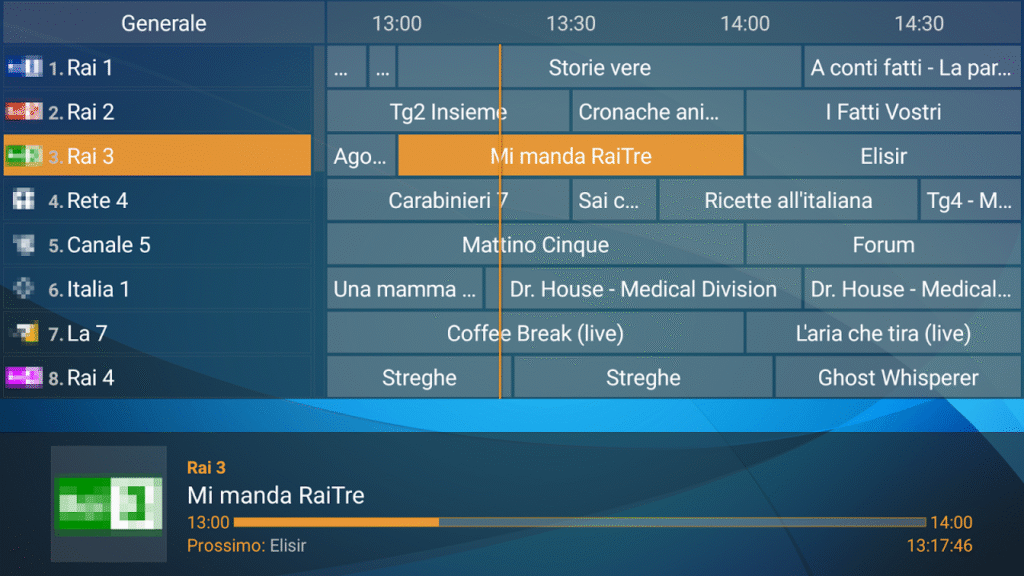
Perfect Player is recognized as one of the leading IPTV players with a sleek, intuitive interface that enables easy streaming from preferred IPTV services.
Key Features:
- Support for various URL formats (M3U, XC, XSPF)
- Multiple EPG formats (XMLTV, JTV)
- Management of multiple IPTV subscriptions
- Clean, streamlined interface
- Customizable settings
Compatibility: Android devices via Google Play Store; can be sideloaded on FireStick and Fire TV
Pricing: Free
A standout feature is its ability to manage multiple IPTV subscriptions from a single interface, allowing users to consolidate various services and access them from one platform efficiently.
6. VLC for Android

VLC, the famous open-source media player, also handles IPTV streams effectively with its extensive network capabilities. While it lacks specialized IPTV features, it remains a reliable backup option.
Key Features:
- Free and open-source
- Supports multiple media formats
- Hardware acceleration
- Subtitle support
- No ads
- Highly stable performance
Compatibility: Android smartphones, tablets, and other devices
Pricing: Completely free
VLC is perfect for users who occasionally watch IPTV streams or need a reliable player without complex features. Its stability and straightforward operation make it an excellent choice for beginners.
7. Kodi with PVR IPTV Simple Client
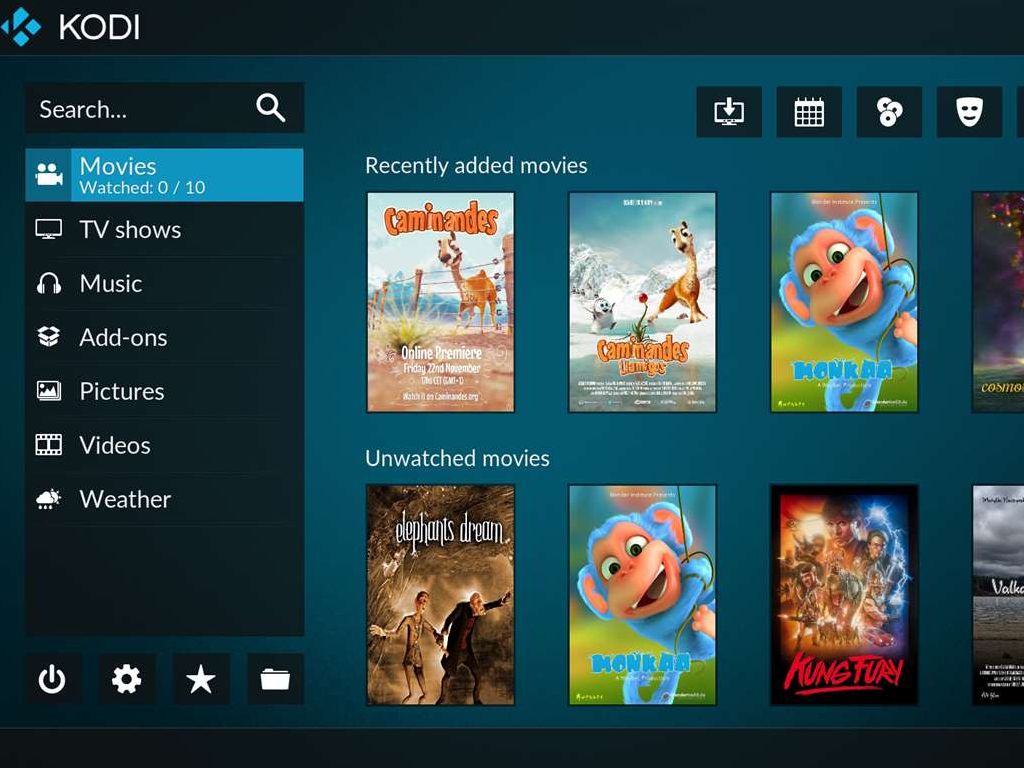
Kodi is a powerful open-source media player that can function as an IPTV player through the PVR IPTV Simple Client add-on, available from the official Kodi Add-on Repository.
Key Features:
- Extensive customization options
- Support for various media formats
- M3U playlist URL and XMLTV EPG URL support
- Large community and add-on ecosystem
- Highly flexible interface
Compatibility: Extensive platform support including Android, Fire TV, iOS, Windows, Mac, Linux, and Raspberry Pi
Pricing: Free and open-source
Kodi offers an excellent alternative if your device doesn’t support other IPTV players. Its flexibility and customization capabilities make it a powerful tool for users who want complete control over their streaming experience.
8. OTT Navigator Pro
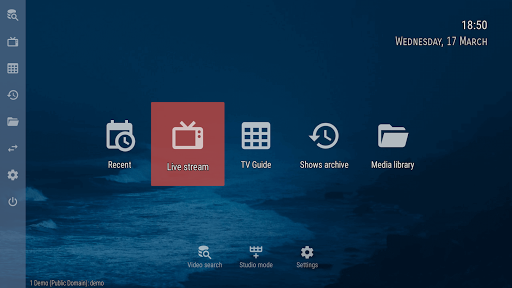
OTT Navigator Pro is designed to provide a complete IPTV experience with advanced features for interactive viewing.
Key Features:
- Time-shift functionality
- Comprehensive EPG support
- Multiple viewing options
- Clean, smooth interface
- Support for M3U URL, playlist, MAC portal, and Stalker portal
Compatibility: Smart TVs, Android devices, and FireStick
Pricing: Paid application
This player caters to users seeking a full-featured IPTV solution with emphasis on functionality and user control. The interface is particularly praised for its cleanliness and smooth operation.
How to Choose the Right IPTV Player
Selecting the best IPTV player depends on several factors:
1. Device Compatibility
Ensure the player works with your specific Android device, whether it’s a smartphone, tablet, or Android TV box.
2. User Experience Level
- Beginners: VLC, IPTV Smarters Pro, or XCIPTV Player offer simple, straightforward interfaces
- Advanced Users: TiviMate or OTT Navigator Pro provide extensive customization and advanced features
3. Required Features
Consider which features matter most to you:
- EPG support for program guides
- Recording capabilities
- Multi-playlist management
- Catch-up TV functionality
- Parental controls
4. Budget
- Free Options: XCIPTV Player, VLC, GSE Smart IPTV, Perfect Player
- Premium Options: TiviMate Premium, IPTV Smarters Pro Premium, OTT Navigator Pro
5. IPTV Provider Compatibility
Verify that your chosen player supports your IPTV provider’s format (M3U playlists, Xtream Codes API, etc.).
Setting Up Your IPTV Player
Most IPTV players follow a similar setup process:
- Download and install the player from Google Play Store or the official website
- Open the application
- Add your IPTV subscription details (M3U URL, Xtream Codes credentials, or playlist file)
- Configure EPG settings if available
- Organize channels and create favorites
- Adjust playback and interface settings to your preference
Tips for Optimal Streaming Experience
Internet Connection: A stable internet connection is crucial. For standard definition, at least 5 Mbps is recommended; for HD content, 10-20 Mbps; and for 4K content, 25 Mbps or higher.
Device Performance: Ensure your Android device has sufficient processing power and memory to handle streaming smoothly.
VPN Usage: Consider using a VPN for privacy and to access geo-restricted content, though this may slightly impact streaming speed.
Regular Updates: Keep your IPTV player updated to benefit from bug fixes, new features, and improved performance.
Legal Subscriptions: Always use legal IPTV subscriptions. Using pirated feeds is illegal and risky, potentially exposing you to sanctions and security threats.
Conclusion
The Android IPTV player landscape offers diverse options for every type of user. TiviMate stands out for advanced users seeking comprehensive features and customization, while IPTV Smarters Pro provides an excellent balance of functionality and ease of use. For budget-conscious users, XCIPTV Player delivers impressive performance at no cost.
Start by trying the free versions of players like TiviMate or IPTV Smarters Pro to determine which interface and feature set works best for your needs. Remember that streaming quality depends not only on the player but also on your internet connection, device capabilities, and IPTV service quality.
With the right IPTV player and a legal subscription, your Android device becomes a powerful entertainment hub capable of delivering thousands of channels and on-demand content right to your fingertips.